[App Inventor教學] Location Sensor 取得經緯度座標後,送出給Google Map 來定位
https://sites.google.com/a/appinventor.tw/appinvetor/share/whereami <- 詳細說明與source code download
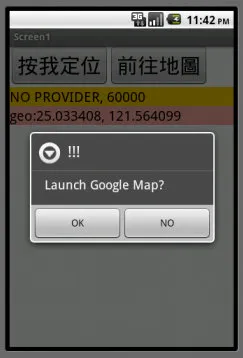
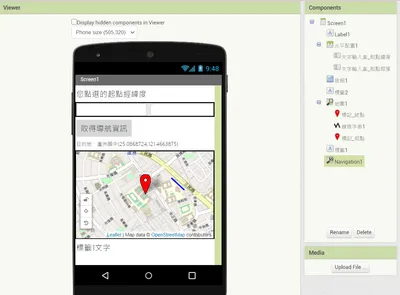
透過Location Sensor 取得自身經緯度座標後,送出給Google Map進行定位。本範例為台北101。
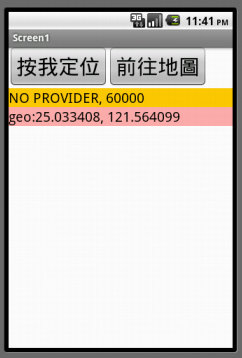
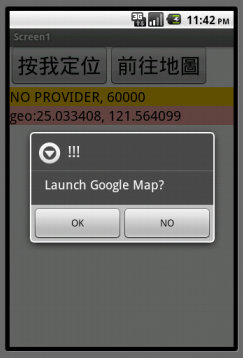
啟動程式後直接取得經緯度座標並顯示,點選「前往地圖」按鈕後先跳出確認視窗。
順利啓動Google Map並定位到台北101。

透過Location Sensor 取得自身經緯度座標後,送出給Google Map進行定位。本範例為台北101。
啟動程式後直接取得經緯度座標並顯示,點選「前往地圖」按鈕後先跳出確認視窗。
順利啓動Google Map並定位到台北101。
本文發表於MIT App Inventor。
留言 💬 (0)
還沒有留言,來當第一個。